In stock

Windows 11 for Beginners: The Complete Step-by-Step User Guide to Learn and Take Full Use of Windows 11 (A Windows 11 Manual with Useful Tips & Tricks)

£9.03

BUY NOW
Category: Operating Systems

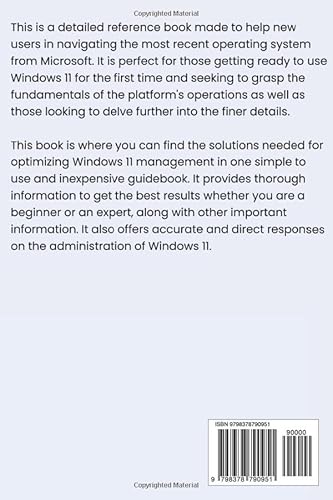
  • Unlock the full potential of Windows 11 with our comprehensive guide, "Windows 11 for Beginners: The Complete Step-by-Step User Guide with Useful Tips and Tricks." This independently published manual is designed specifically for newcomers, making it the perfect companion for anyone looking to navigate the latest features of Windows 11 with ease.
  • Imagine effortlessly customising your desktop, mastering the new Start Menu, and leveraging productivity tools to optimise your workflows. With clear, step-by-step instructions, you'll learn everything from setting up your device to exploring advanced features like virtual desktops and enhanced security settings. Each chapter is packed with practical examples and handy tips that can save you time and frustration.
  • What sets this guide apart from the competition is its user-friendly approach. It breaks down complex topics into digestible sections, ensuring you can follow along with confidence, whether you're a complete novice or someone looking to refresh your skills. Plus, it's Prime eligible, meaning you can enjoy quick delivery straight to your door.
  • Don’t miss out on the opportunity to enhance your computing experience. Equip yourself with the knowledge you need to navigate Windows 11 like a pro. Order your copy today and transform the way you interact with your PC!

Read More

Frequently Asked Questions

Popular questions and answers about this product

What is included in the Windows 11 user guide?

The guide includes step-by-step instructions on setup, customisation, and usage of Windows 11, along with tips and tricks to enhance your experience.

Is this guide suitable for complete beginners?

Absolutely! This guide is tailored specifically for beginners, making it easy to follow even if you have no prior experience with Windows.

Can I use this guide if I’m upgrading from an older version of Windows?

Yes, this guide is perfect for users transitioning from earlier versions of Windows, helping you to understand the new features and changes in Windows 11.

Is the guide available in digital format?

Currently, the guide is only available in print format, ensuring you have a physical book to refer to while using your computer.

How long will delivery take if I order through Prime?

If you are a Prime member, you can expect fast delivery, typically within one to two business days.

Are there any tips for advanced users included?

Yes, the guide also includes advanced tips and tricks to help you make the most out of the new features in Windows 11.