
In stock

USB to HDMI Adapter,1080P USB 3.0/2.0 to HDMI Adapter Full HD Multi-Display Video Audio Graphics Cable Output Multiple Monitors Compatible with Windows 7/8/8.1/10/11/XP for PC Laptop Projector HDTV

£6.99

BUY NOW
Category: Adapters

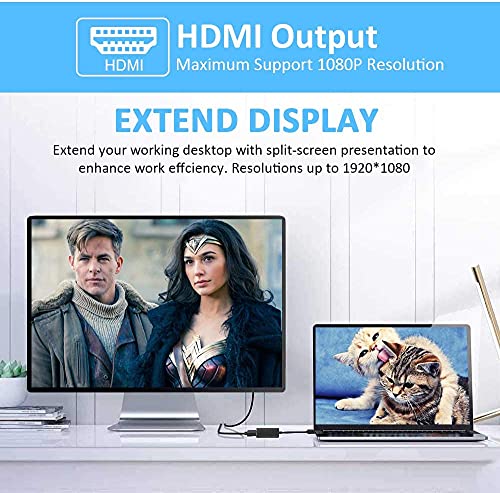
  • Discover the ultimate solution for expanding your workspace with the beseloa USB to HDMI Adapter. Designed to seamlessly connect your USB-enabled devices, such as laptops and desktops, to HDMI-compatible displays like monitors, projectors, and TVs, this adapter is perfect for anyone looking to enhance their viewing experience. Whether you're working on multiple tasks simultaneously in extend mode or enjoying a cinematic experience in mirror mode, this device has you covered.
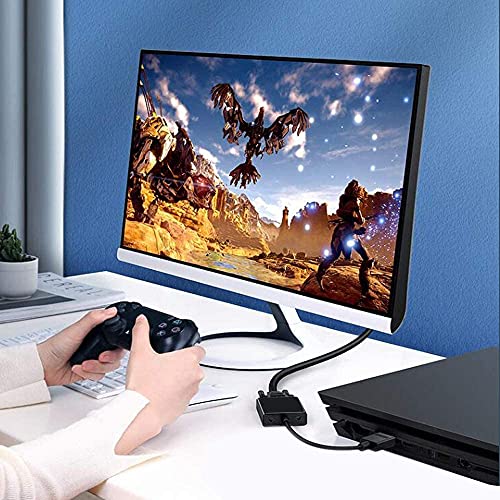
  • With support for high-definition resolutions up to 1920x1080, you’ll enjoy crisp and vibrant graphics, making it ideal for gaming, home theatre setups, video conferences, and corporate training sessions. The USB 3.0 interface guarantees fast and smooth signal transmission, ensuring that you can enjoy your content without any interruptions. Plus, it's backward compatible with USB 2.0 for added versatility.
  • Installation is a breeze – simply plug the adapter into your computer's USB 3.0 port, and follow the on-screen instructions to download the necessary driver. If you encounter any issues, our friendly customer service team is ready to assist you promptly.
  • Upgrade your connectivity experience and take advantage of this fantastic multi-display solution today. The beseloa USB to HDMI Adapter is compatible with Windows 7, 8, 8.1, 10, and XP, making it a versatile addition to any tech setup. Don't miss out on this essential tool for boosting your productivity and entertainment!

Read More

Frequently Asked Questions

Popular questions and answers about this product

What devices are compatible with the USB to HDMI Adapter?

The USB to HDMI Adapter is compatible with Windows devices, including Windows 7, 8, 8.1, 10, and XP. However, it does not support MAC, Linux, Vista, or Chrome devices.

How do I install the USB to HDMI Adapter?

Simply plug the adapter into a USB 3.0 port on your computer. It will automatically prompt you to download the necessary driver. Follow the on-screen instructions to complete the installation.

What resolutions does the adapter support?

The adapter supports high-definition resolutions up to 1920x1080 when connected to a USB 3.0 port. If connected to a USB 2.0 device, the maximum resolution is 800x600.

Can I use this adapter for gaming?

Absolutely! The USB to HDMI Adapter provides high-quality graphics, making it an excellent choice for gaming, ensuring a smooth and immersive experience.

Is customer support available for this product?

Yes, our customer service team is available to assist you with any questions or issues you may encounter. Feel free to reach out for support!

What is the advantage of using USB 3.0 over USB 2.0?

USB 3.0 offers significantly faster data transfer speeds compared to USB 2.0, allowing for high-definition video transmission without lag, which enhances overall performance when using external displays.