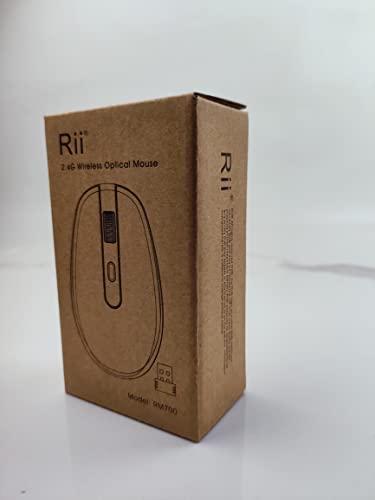
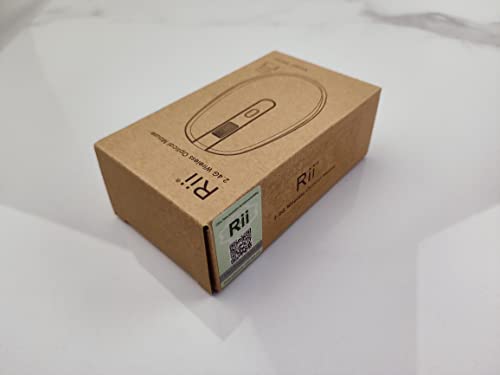
Wireless Mouse for Laptop, RM700 Chromebook Mouse with 2.4G USB Nano Receiver, Silent Mouse for Laptop, Desktop, Notebook PC, Windows 8/9/10, Chromebook
£4.98
- Introducing the Rii Wireless Mouse for Laptop, the perfect blend of style, functionality, and comfort designed to enhance your computing experience. With three adjustable DPI levels (1600, 2400, and 3200), you can effortlessly switch between settings to suit your needs—perfect for everything from intricate graphic design to fast-paced gaming. Featuring a factory default of 2400 DPI, changing your sensitivity is as easy as a simple click of a button.
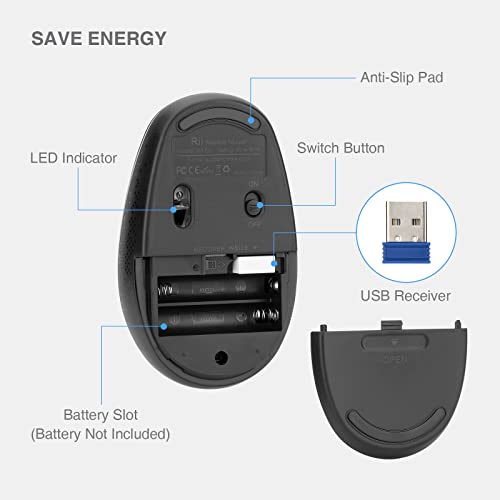
- Powered by just two AAA batteries (not included), this sleek wireless mouse is crafted for longevity, automatically entering sleep mode after five minutes of inactivity to conserve energy. Need a reliable connection? The included USB Nano Receiver, conveniently stored in the battery compartment, provides a robust 2.4GHz wireless connection with a transmission range of up to 33 feet (10 metres), ensuring smooth, uninterrupted use at home or in the office.
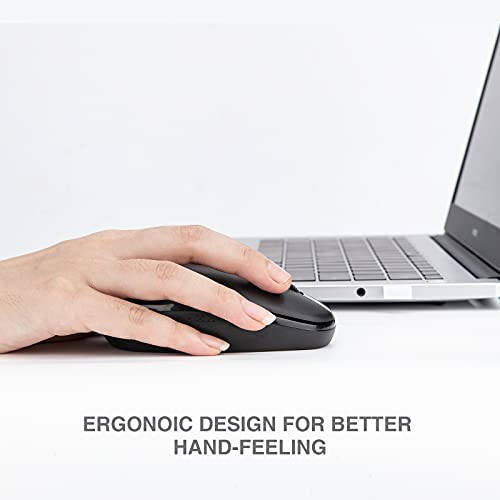
- Enjoy a quieter workspace with the Rii Wireless Mouse's silent clicks—ideal for busy cafes, libraries, or any shared space where noise can be a distraction. Its ergonomic design reduces muscle strain, while the sweat-resistant and skin-friendly finish ensures maximum comfort during extended use. Plus, the thoughtful ring and little finger rests provide additional support for a seamless user experience.
- Compatible with a wide range of devices, including laptops, desktops, and Chromebooks running Windows XP, Vista, 8/9/10, and Mac OS, this wireless mouse is your go-to accessory for productivity and comfort. Upgrade your setup today and experience the difference with Rii's Wireless Mouse for Laptop!
Frequently Asked Questions
Popular questions and answers about this product
What devices is the Rii Wireless Mouse compatible with?
The Rii Wireless Mouse is compatible with various devices including laptops, desktops, and Chromebooks. It supports Windows XP, Vista, 8/9/10, and Mac OS.
How do I change the DPI settings?
To change the DPI settings, simply press the designated button on the mouse. You can switch between three levels: 1600, 2400, and 3200 DPI.
How long does the battery last?
The battery life depends on usage, but the Rii Wireless Mouse is designed to conserve energy by entering sleep mode after five minutes of inactivity.
Is this mouse suitable for left-handed users?
The Rii Wireless Mouse features a symmetrical design, making it suitable for both right and left-handed users.
How far can I use the mouse from the receiver?
You can use the Rii Wireless Mouse up to 33 feet (10 meters) away from the USB Nano Receiver, providing flexibility in your workspace.
Does the mouse require any software to install?
No software installation is needed. Simply plug in the USB Nano Receiver and the mouse is ready to use immediately!