



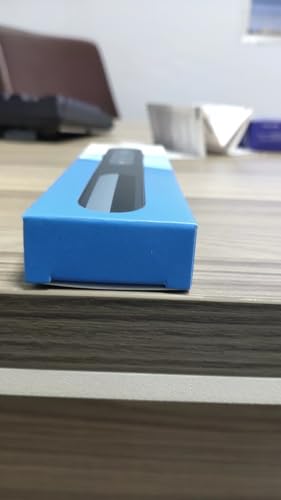


Are you tired of being tied down to your laptop during presentations? Meet the Kinizuxi Presentation Clicker, a powerful tool designed to give you the freedom to engage your audience like never before. This wireless remote is not just a clicker; it’s a complete presentation solution that enhances your ability to connect and communicate effectively.
With a user-friendly plug-and-play design, setting up the Kinizuxi clicker is as easy as plugging in the USB receiver and getting started. Its extensive compatibility with popular software like PowerPoint, Google Slides, and Keynote means you can use it for virtually any presentation scenario.
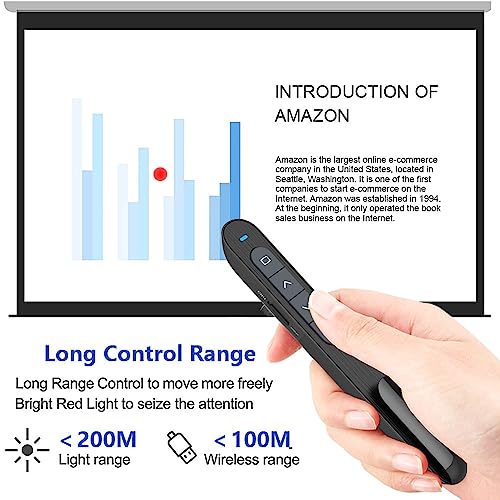
One of the standout features is the impressive range of up to 100 metres, allowing you to move freely around the room while maintaining control over your slides. The bright red laser pointer is perfect for highlighting key points, ensuring your audience’s attention is where it should be.
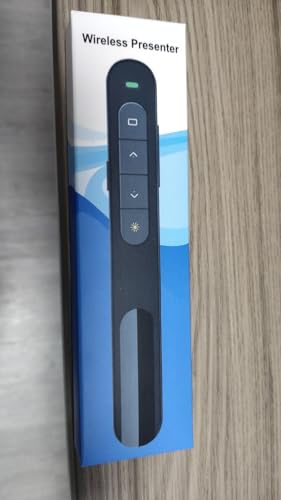
Comfort is key when presenting, and the Kinizuxi clicker doesn’t disappoint. The soft silicone buttons are designed to be comfortable to use, while the raised bumps prevent accidental presses. Plus, with a clip design, it’s easy to carry and keep on hand for those impromptu presentations.
In conclusion, the Kinizuxi Presentation Clicker is an essential tool for anyone looking to take their presentations to the next level. With its impressive features and user-centric design, this clicker is a must-have for students, professionals, and educators alike. Don’t miss out on transforming your presentation experience – get your Kinizuxi clicker today!