In stock

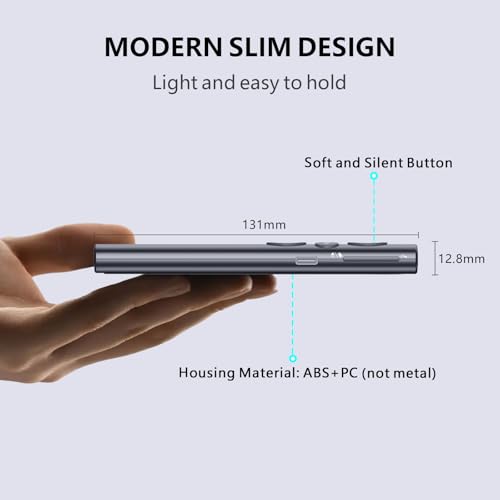
Norwii Presentation Clicker with Digital Pointer for TV LED LCD Screen, Presentation Remote, Slide Clicker, Wireless Presenter with Highlight, Magnify, Mouse Left Click - N95s Pro 32G(Red Light)

£39.99

BUY NOW
Category: Presentation Remotes

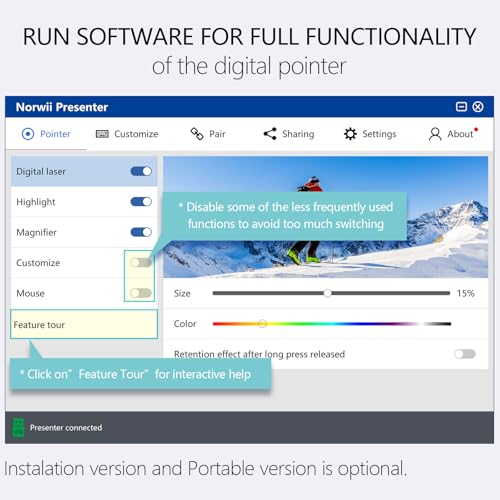
  • Elevate your presentations with the Norwii Presentation Clicker, the ultimate digital pointer designed to enhance your screen interactions on both TV and projection screens. Powered by the innovative Norwii Presenter software, which you can easily download from the official site or access via the included USB receiver, this clicker is your go-to tool for seamless presentations.
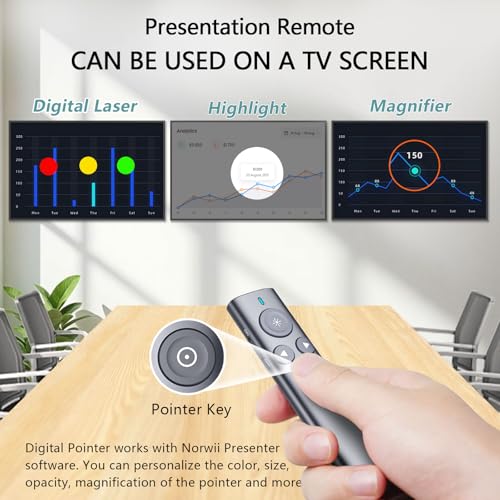
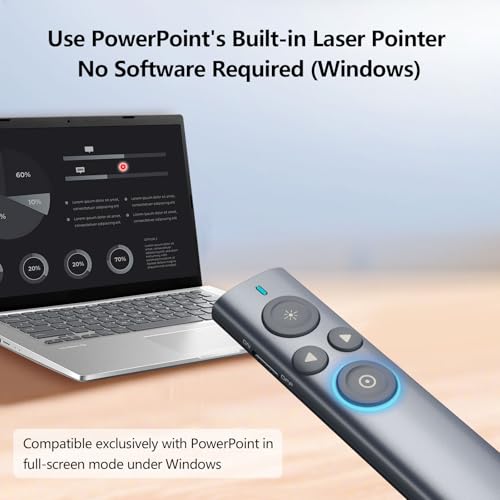
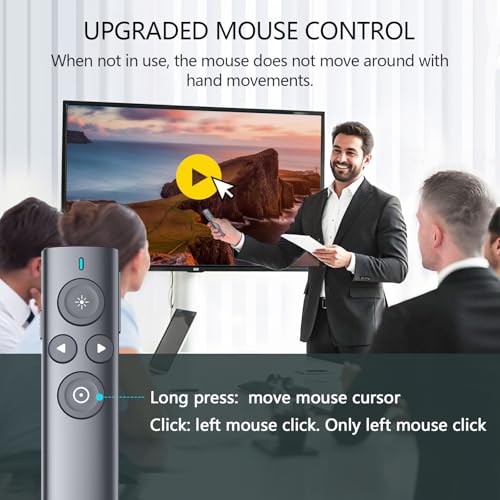
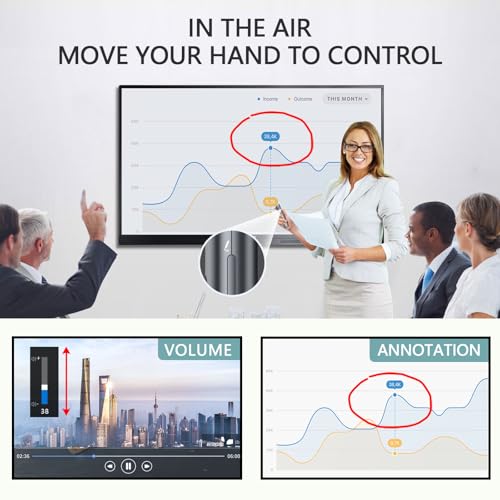
  • With advanced features like Digital Pointer, Highlight, Magnify, and Annotation, you can create dynamic interactions that keep your audience engaged. Basic functions, such as physical light control, slide navigation, volume adjustment, and mouse cursor control (left click), can be used with or without software, making it incredibly versatile.
  • Imagine effortlessly controlling your PowerPoint presentations from up to 164 feet (50 meters) away, thanks to its impressive wireless range. The rechargeable 300mAh battery allows for weeks of use with just a quick 2-hour charge, ensuring you're always ready to present. Plus, the USB-C charging port makes recharging a breeze.
  • Compatible with Windows 10, macOS 10.15 and higher, and supporting all major presentation software like PowerPoint, Prezi, and Zoom, the Norwii Presentation Clicker is the perfect companion for teachers, business professionals, and anyone needing to captivate an audience.
  • Don’t miss out on the opportunity to transform your presentations into engaging experiences. Get the Norwii Presentation Clicker today and see the difference it makes!

Read More

Frequently Asked Questions

Popular questions and answers about this product

What devices is the Norwii Presentation Clicker compatible with?

The Norwii Presentation Clicker is compatible with Windows 10, macOS 10.15 or later, and supports all major presentation software such as PowerPoint, Prezi, Keynote, and Zoom.

How do I charge the Presentation Clicker?

It features a USB-C charging port, and a full charge of the 300mAh battery takes only 2 hours, providing weeks of use.

Can I use the clicker without the Norwii Presenter software?

Yes, the basic functions such as slide navigation, volume control, and mouse cursor control can be used without the software. However, advanced features require software access.

What is the wireless range of the Norwii Presentation Clicker?

The clicker has a wireless range of up to 164 feet (50 meters), allowing you to move freely while presenting.

How does the Digital Pointer feature work?

The Digital Pointer enables you to annotate and highlight directly on the screen, providing a more interactive experience for your audience.

Is the Norwii Presentation Clicker suitable for classroom or business use?

Absolutely! Its versatile features make it ideal for both classroom settings and professional presentations, helping you engage your audience effectively.